An SCI under the corporate tax letting commercial premises, keeping its own books
On an account filled with demonstration data: an SCI under the corporate tax keeping its own books, a restaurant’s commercial lease, its chart of accounts, its building’s depreciation, its corporate tax and its FEC.
Step 1
The SCI’s page
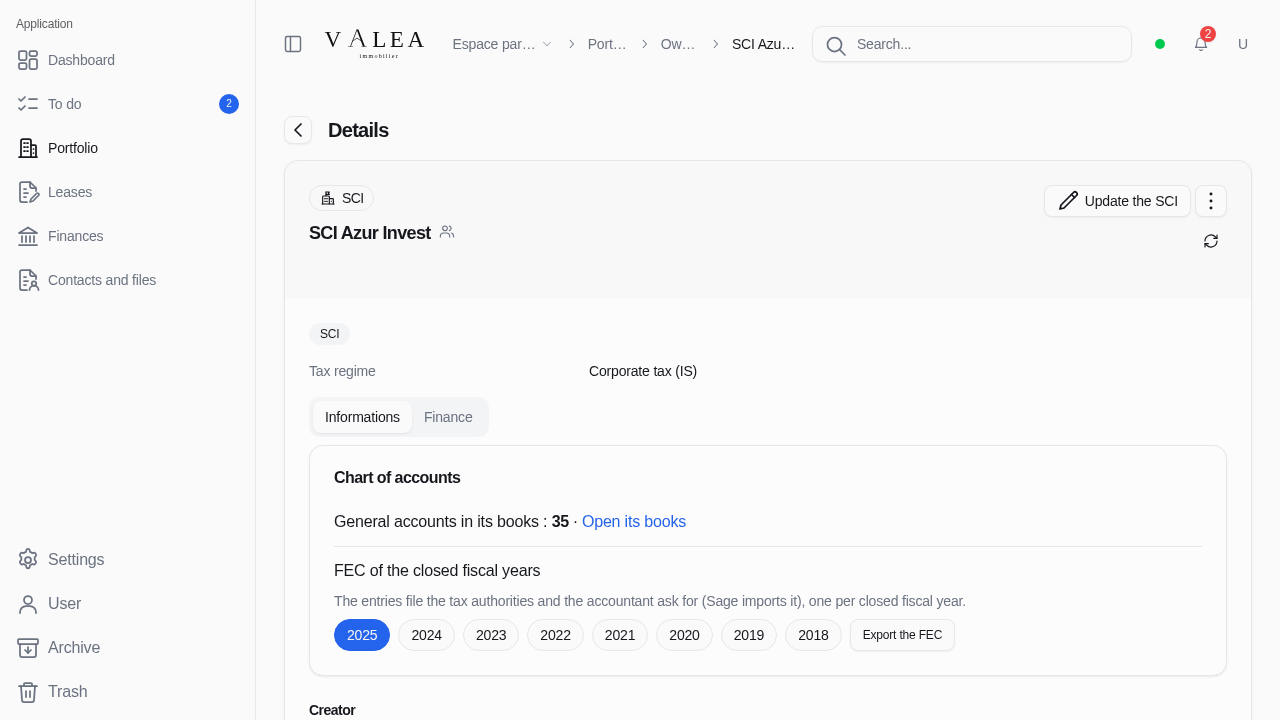
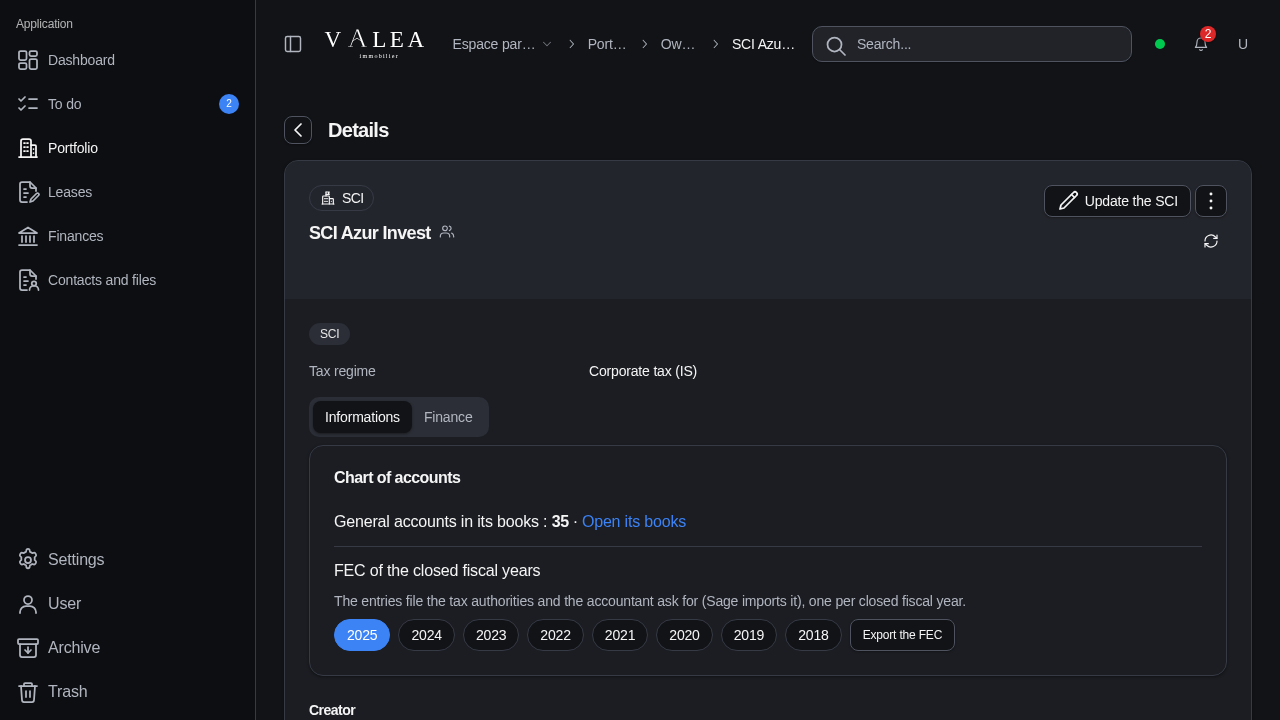
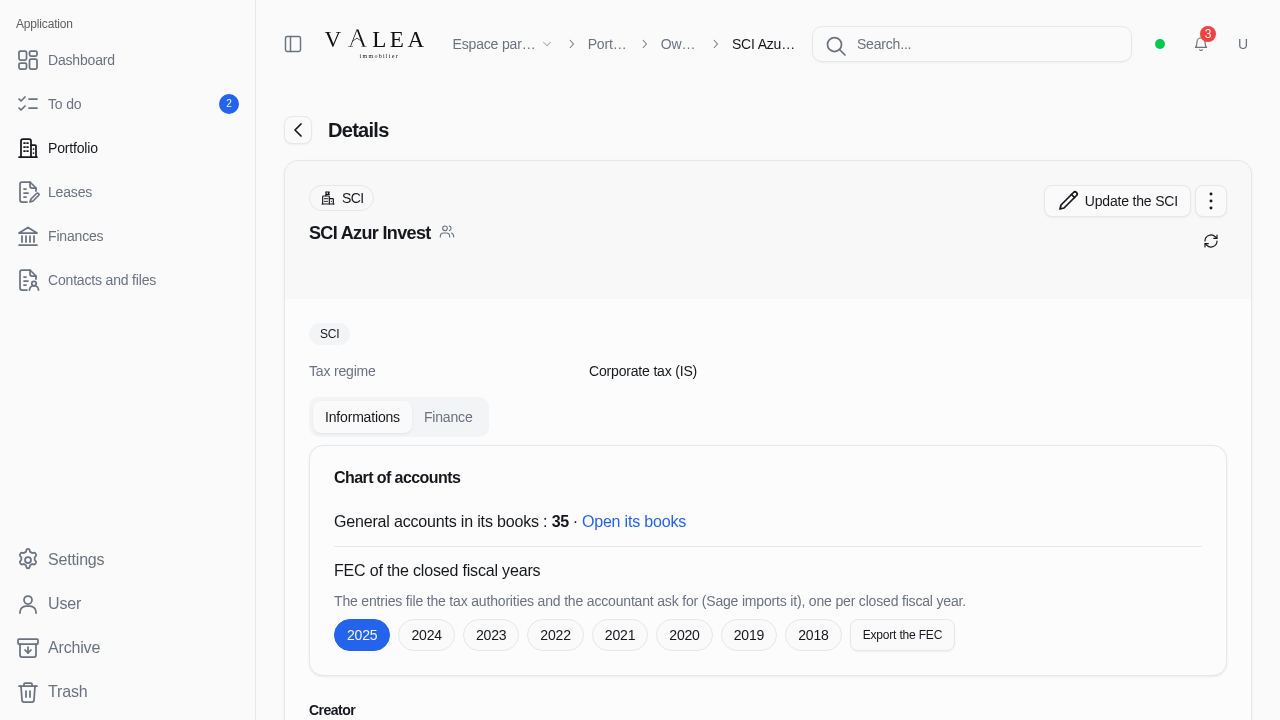
On an account filled with demonstration data (17 properties as of 12 November 2026, from Settings), click Portfolio, then the Owners tab, and open SCI Azur Invest. Its tax regime is the Corporate tax (IS): the SCI itself pays the tax on its profit, so it has no 2072 return. It keeps its own books and owns Galerie Promenade des Anglais in Nice, three shops.
Step 2
A shop’s commercial lease
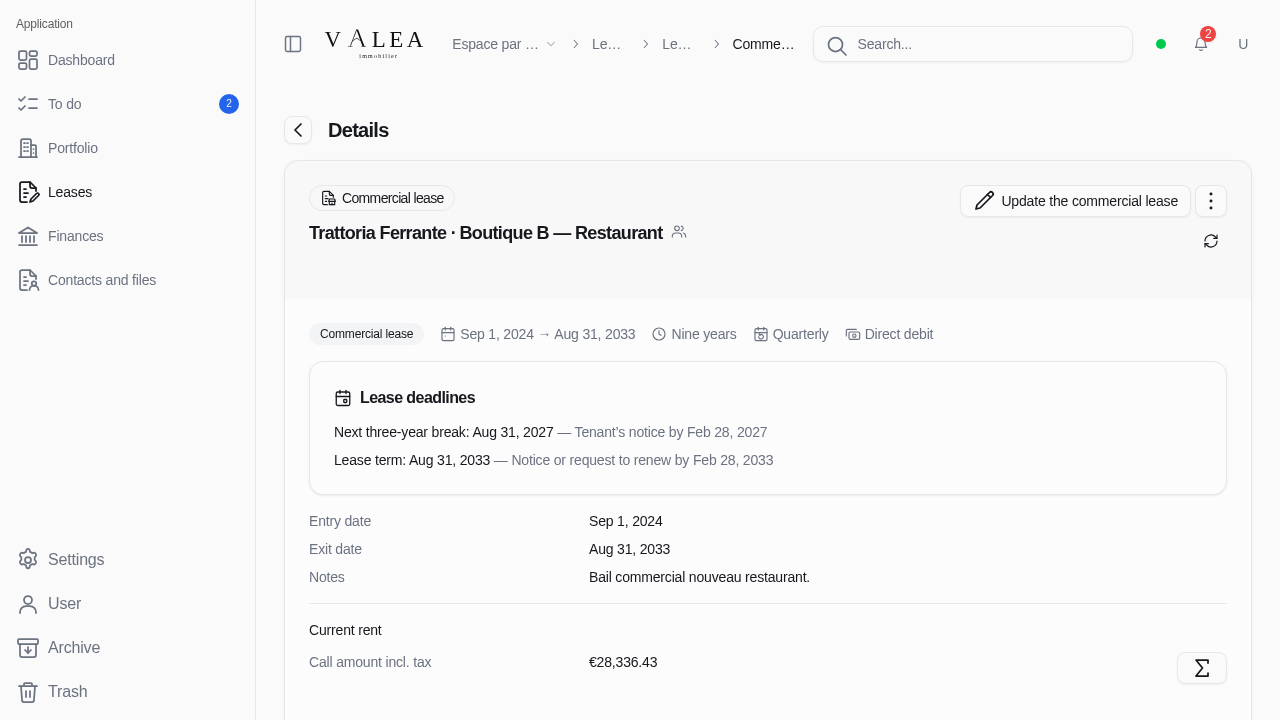
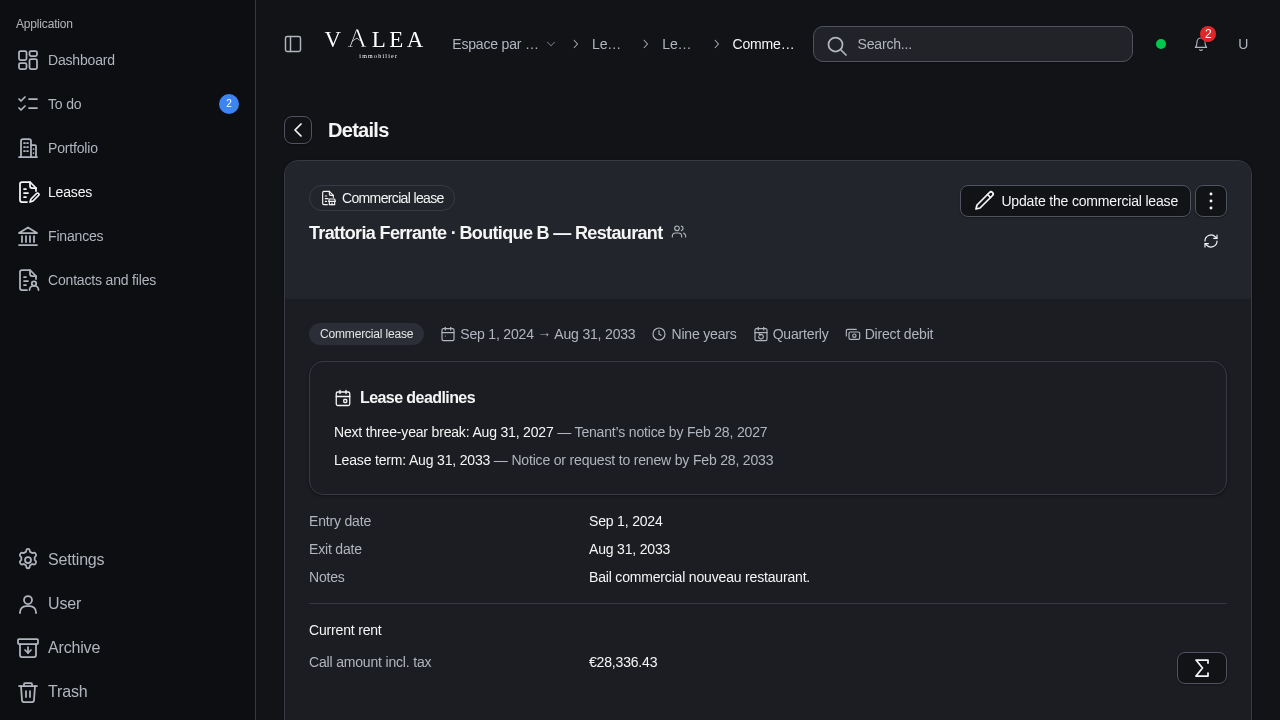
Click Leases in the sidebar, filter on Trattoria Ferrante and open its lease: shop B’s restaurant, a company whose manager, Roberto Ferrante, is the contact, a nine-year commercial lease (3-6-9), its rent revised on the ILC and called quarterly in advance with its provisions for charges, the property tax passed on. Without the VAT option, its rents are free of it.
Step 3
Its chart of accounts
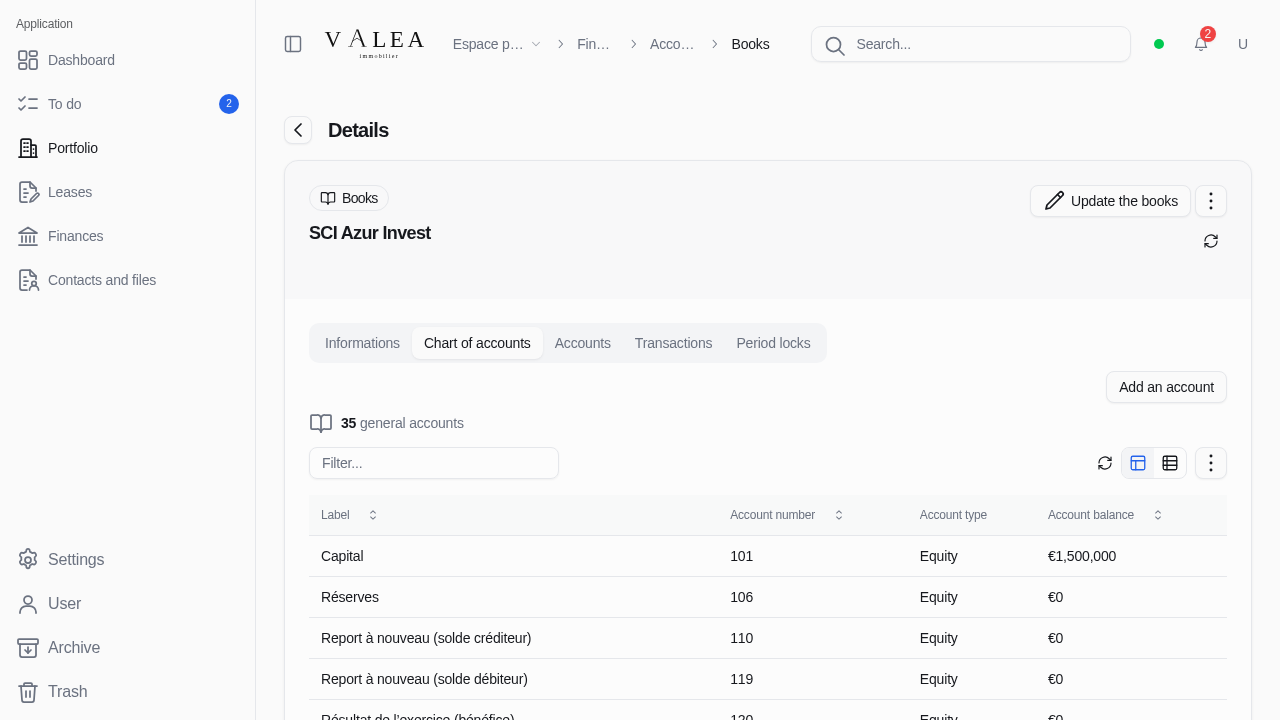
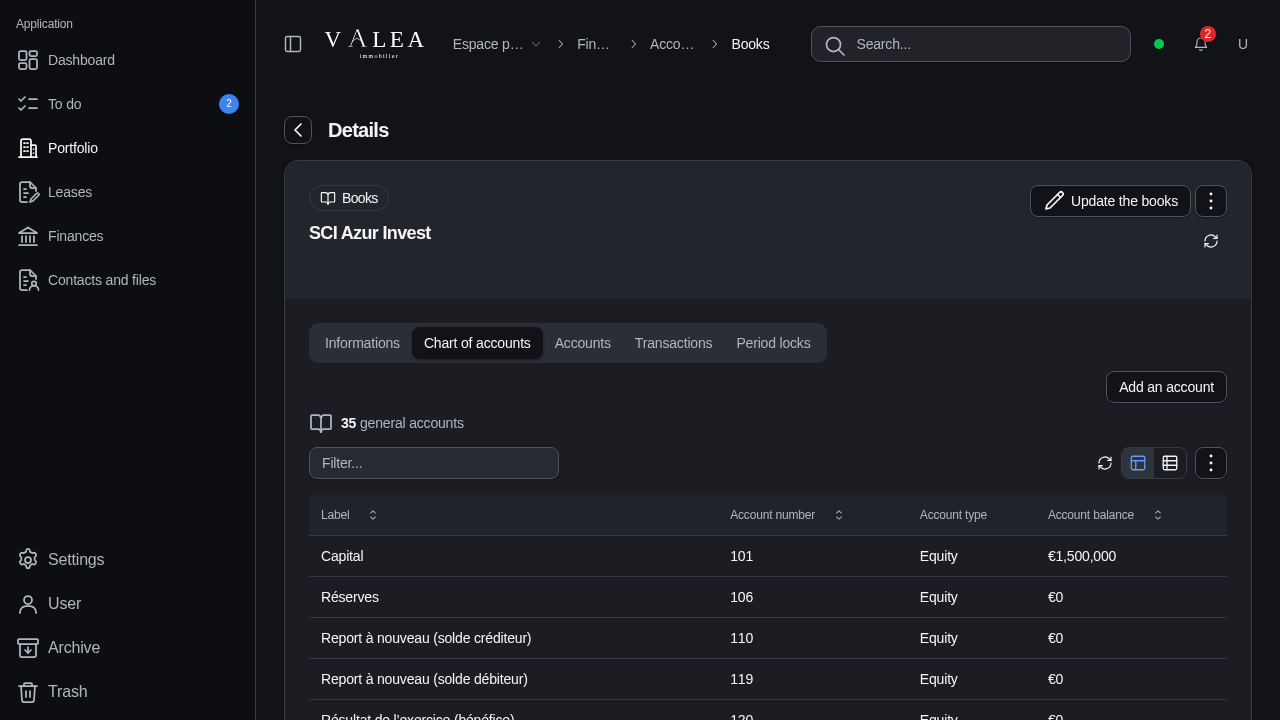
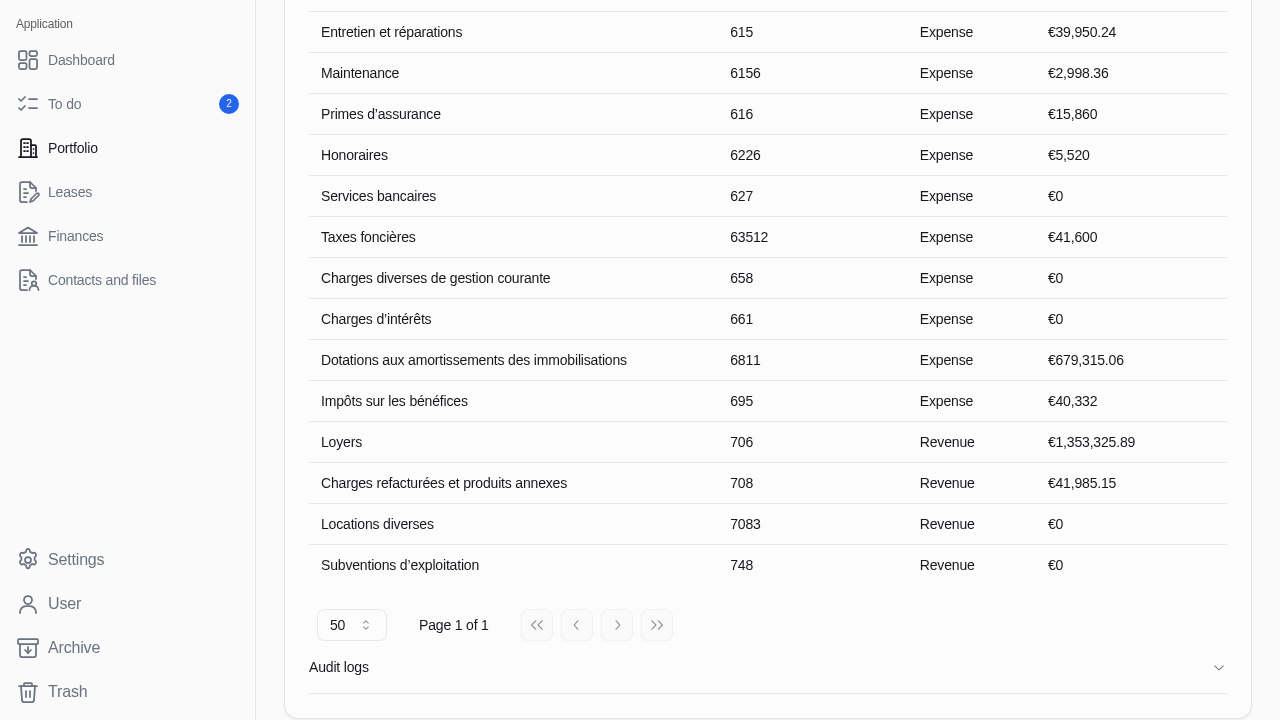
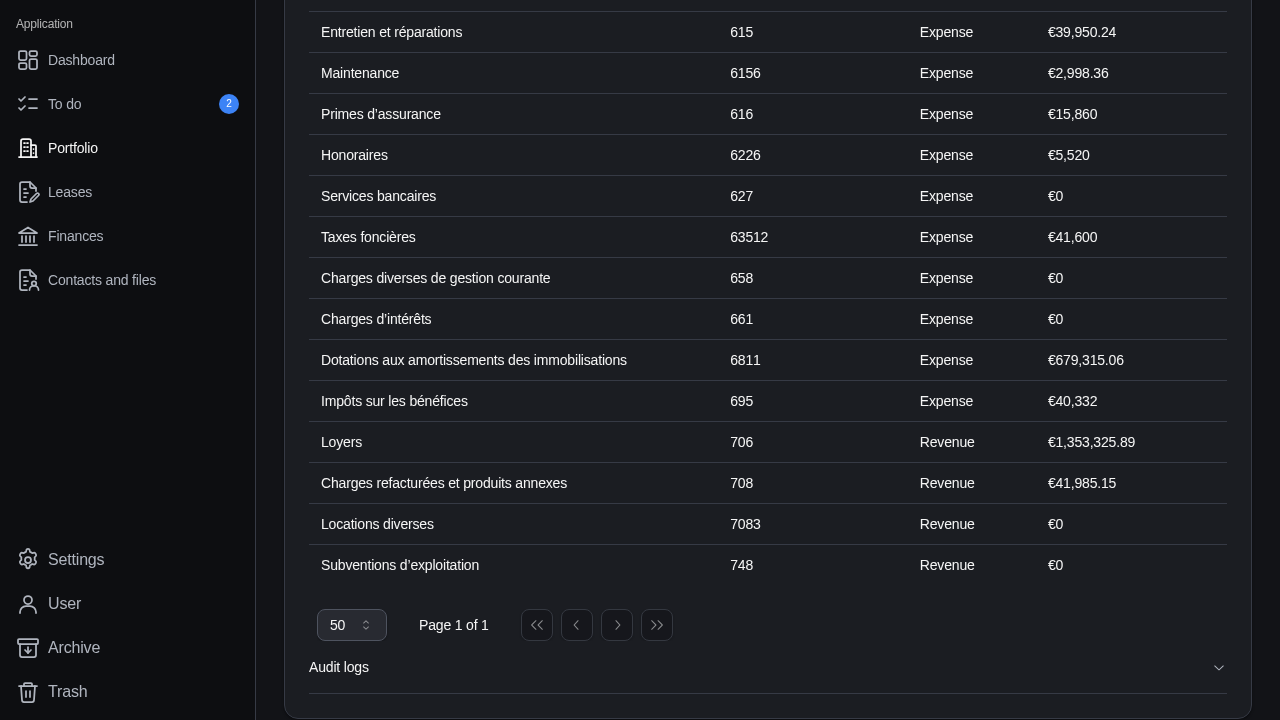
Back on SCI Azur Invest’s page, click Open its books, then the Chart of accounts tab. Under the corporate tax, the default chart adds to an SCI’s accounts those of its balance sheet and its tax: the building (213) and its depreciation (2813, its charge 6811), the corporate tax (695, owed to the State on 444). Water and energy go to 6061, service contracts to 6156, repairs to 615.
Step 4
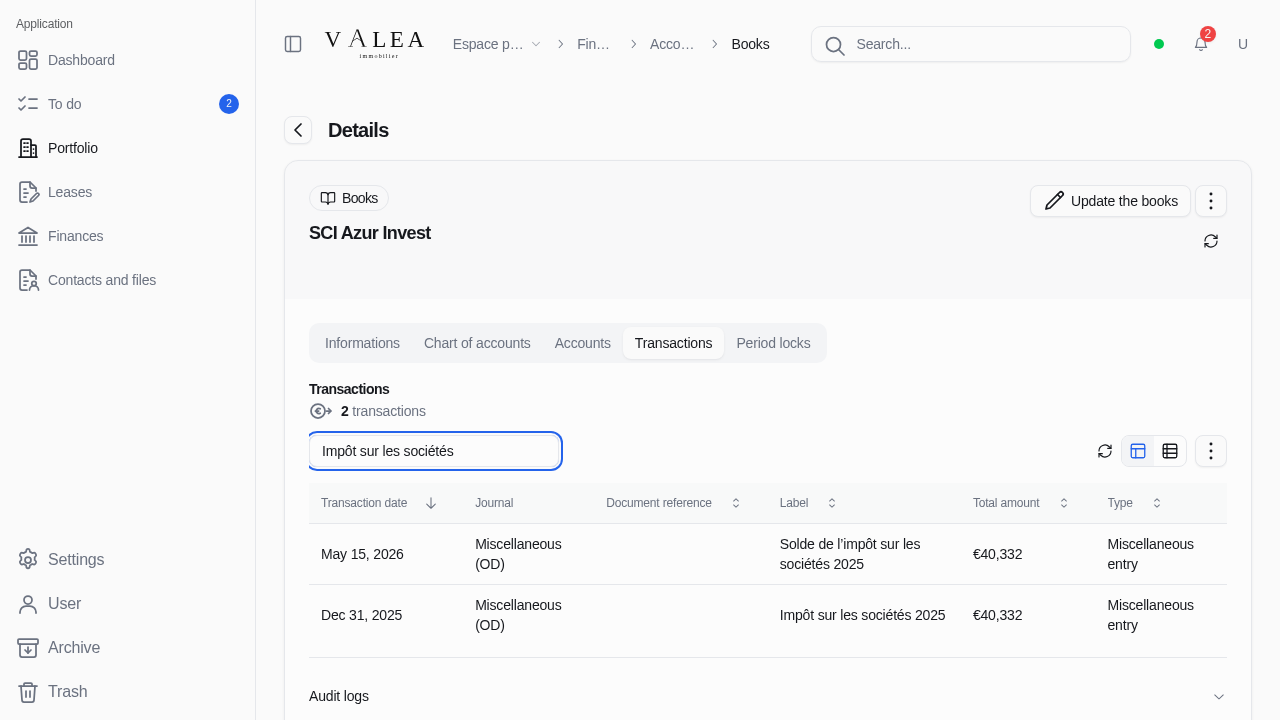
Its miscellaneous entries
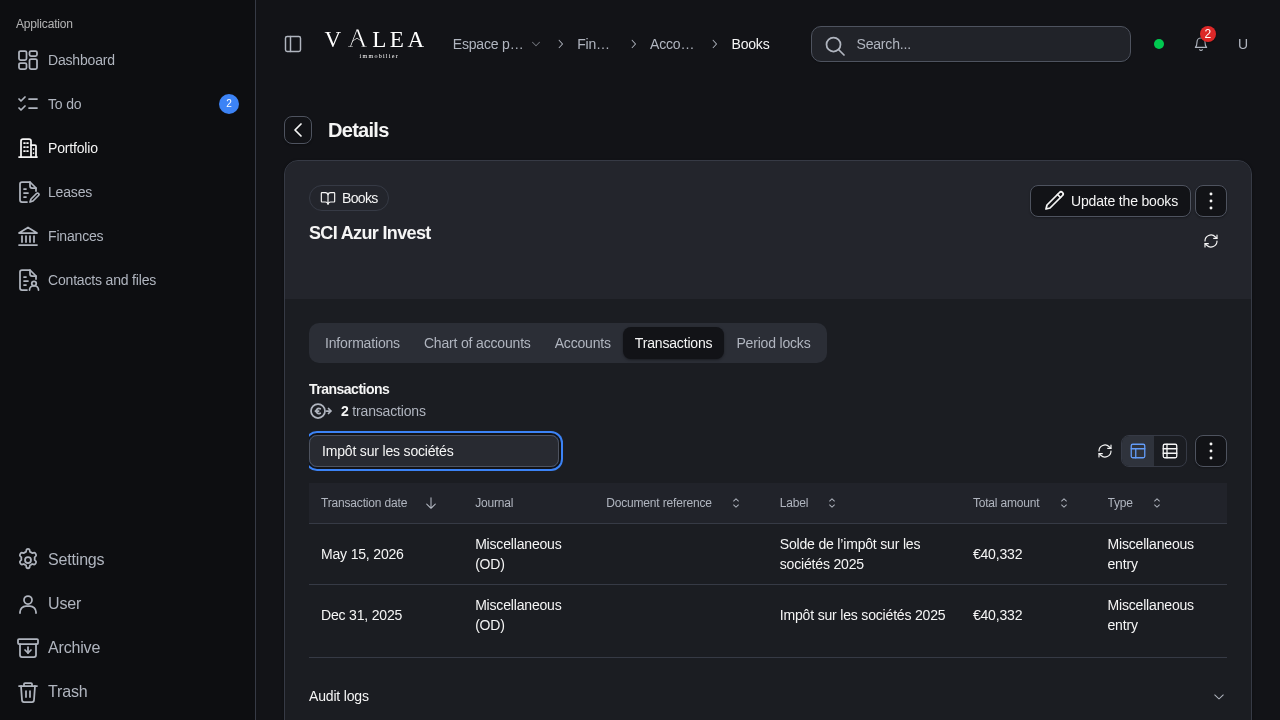
In the Transactions tab, filter on 2025: beside the rents, the payments and the charges, the accountant’s miscellaneous entries (OD journal). On 31 December, the building’s depreciation (straight-line over 40 years, the land not depreciated) and the year’s corporate tax, 15 % up to €42,500 of profit and 25 % above, paid the next May. Open one to read its entries and the computation note.
Step 5
Export its FEC
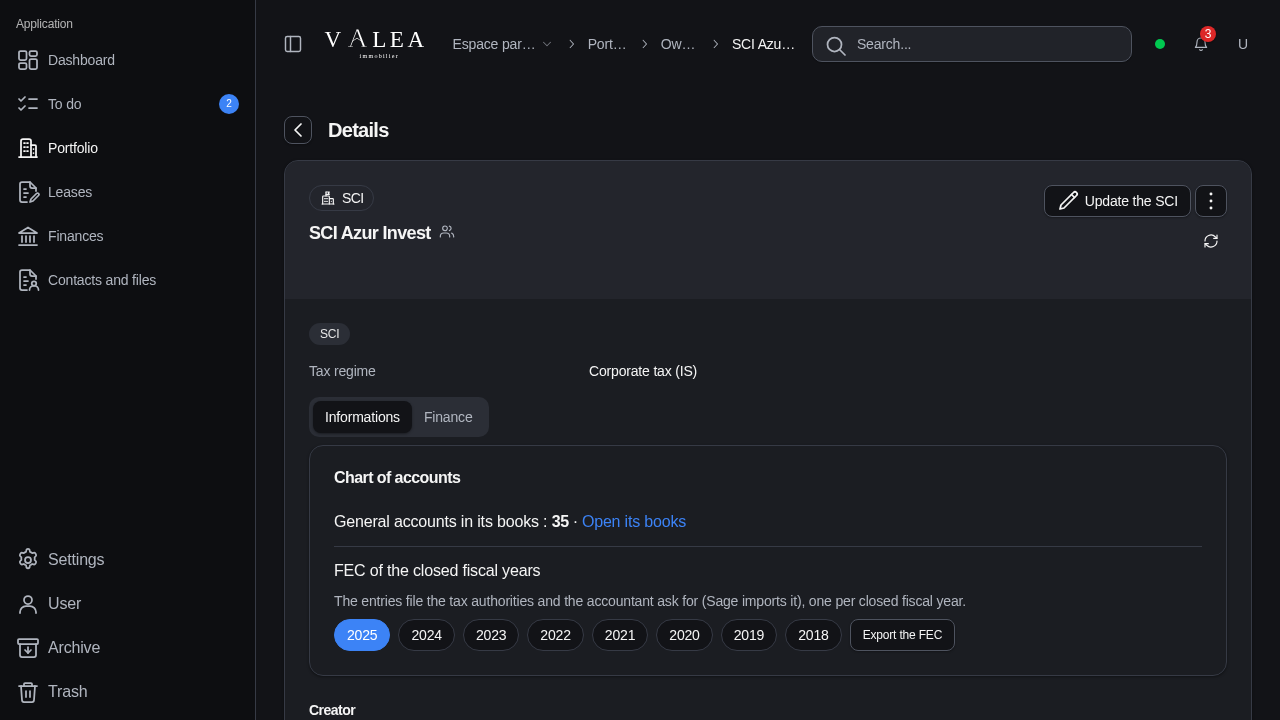
Back on the SCI’s page: the 2025 fiscal year is closed. Click Export the FEC: the entries file, named after its SIREN, downloads, each line with its journal (VT, AC, BQ, OD), its account, the tenant’s or supplier’s auxiliary account and an explicit label. The accountant imports it into their software (Sage, Cegid…).
Try it with the demo
Discover the app with a demo account filled with sample data.